StoriesIG: Anonymous Instagram Story Viewer
Hey there, Instagram lover. Have you ever found yourself scrolling late at night, spotted a story from someone you’re curious about, and thought, “I just want to see this without them knowing I peeked”? You’re not alone. That sneaky little urge is exactly why tools like StoriesIG exploded in popularity. In a world where everyone’s watching everyone else’s highlight reels (literally), staying invisible while still satisfying your curiosity feels like having a superpower.
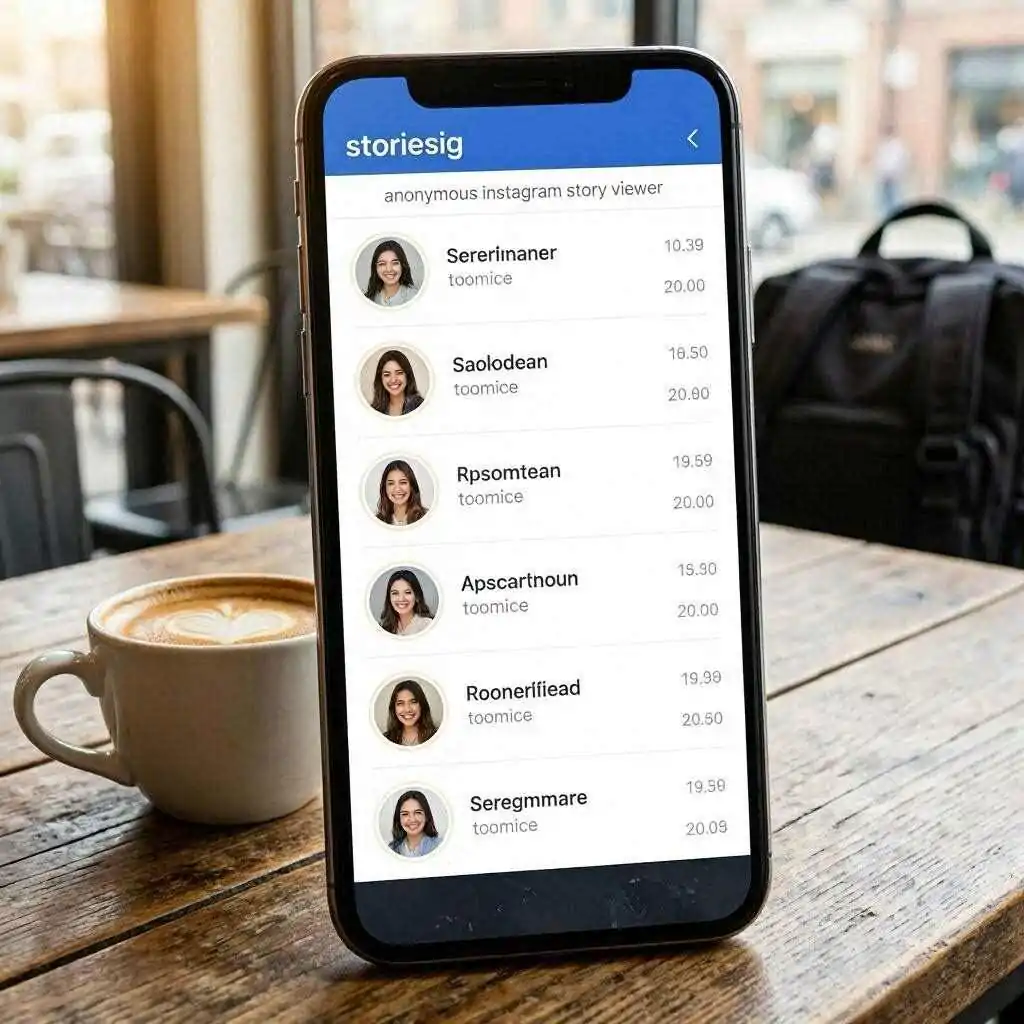
But here’s the thing – not all anonymous viewers are created equal. Some feel clunky, some bombard you with ads, and others straight-up don’t deliver. That’s where StoriesIG steps in like the reliable friend who always comes through. Whether you want to check out a public figure’s latest story, save a friend’s highlight before it disappears forever, or grab a Reel for your own inspiration board, this free web tool has become a go-to for millions.
In this guide, we’re diving deep into everything StoriesIG – what it is, how it actually works, the exact steps to use it, its best features, safety questions, real-user feedback, smart alternatives, troubleshooting tips, and even the ethical side of anonymous viewing. By the end, you’ll know whether StoriesIG deserves a permanent spot in your browser bookmarks. Ready? Let’s get into it.
What Is StoriesIG and Why Has It Become So Popular?
At its core, StoriesIG is a free, no-login web tool that lets you view and download Instagram Stories, Highlights, Reels, and even regular posts from any public account – completely anonymously. Think of it as your personal invisibility cloak for Instagram’s public content. You type in a username or paste a link, hit search, and boom – the stories appear on your screen without the account owner ever knowing you were there.
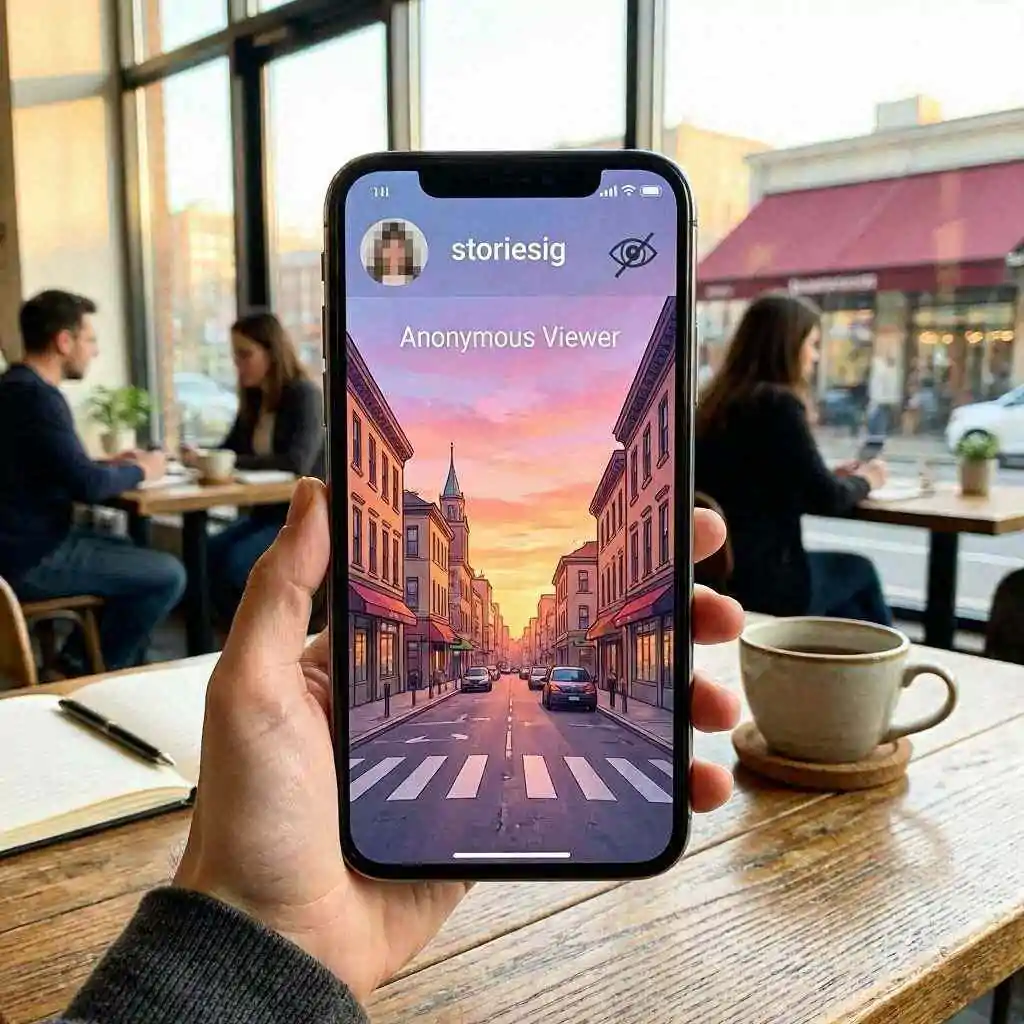
Why the hype? Instagram Stories are designed to be temporary and intimate. Once they’re gone after 24 hours (unless saved to Highlights), they’re gone. People want to catch those fleeting moments without broadcasting their interest. Marketers use it to quietly research competitors. Exes (we’ve all been there) sometimes use it to satisfy that “just wondering” itch. Content creators save inspiration. And regular users? They just want to see what their favorite influencer posted without adding to the view count or getting weird DMs later.
The beauty is its simplicity. No app to download, no account to create, no password to enter. It works on your phone, tablet, or laptop browser. In 2026, when privacy feels more precious than ever, tools that respect your anonymity while pulling only public data hit the sweet spot.
The Growing Demand for Anonymous Instagram Tools in Today’s Social Media World
Instagram has made Stories incredibly popular – billions of views daily – but it also made viewing them a social signal. When you watch someone’s story, they see your name in the list. That tiny detail can spark awkward conversations, unwanted attention, or even professional complications if you’re checking out a client or boss.
Enter anonymous viewers. They exploded because they solve a real human need: curiosity without consequences. StoriesIG stands out because it doesn’t just promise anonymity – it delivers it through smart server-side fetching. Your device never directly “views” the story like the official app would. Instead, the tool pulls the public media and shows it to you. No trace left behind. That’s powerful in an age where every click feels tracked.
How Does StoriesIG Actually Work Behind the Curtain?
You might be wondering, “How on earth does it stay invisible?” Great question. Instagram’s official app registers views through authenticated sessions – basically, when you’re logged in and tap a story, Instagram knows it’s you and adds you to the list.
StoriesIG takes a different route. It acts like a middleman that only requests publicly available data. No login, no session cookies from your account, no “seen by” trigger. The tool’s servers fetch the media (photos, videos, Reels) and stream it straight to your browser. It’s similar to how search engines index public web pages without “visiting” them in the social sense.
This server-side magic is why it feels instant and why your name never appears on anyone’s viewer list. Of course, it only works on public accounts. Private profiles stay locked – and that’s a good thing for everyone’s privacy.
Your Step-by-Step Guide to Using StoriesIG – It’s Easier Than You Think
Using StoriesIG feels almost too simple, but that’s the point. No complicated menus or sign-ups. Here’s exactly how to do it right now.
How to View Instagram Stories Anonymously in Just a Few Clicks
- Open your browser and head to the official site (storiesig.com – always double-check the URL to avoid copycat phishing sites).
- In the big search bar at the top, type the Instagram username (without the @) or paste the full profile link.
- Hit the search button.
- Within seconds, any active Stories from the last 24 hours will load. Swipe or click through them just like on Instagram.
- Want to watch without pressure? Take your time – there’s no timer forcing you to rush.
That’s it. No notifications sent, no view counted. Feels almost magical the first time you try it.
Downloading Instagram Highlights Without Leaving a Trace
Highlights are the permanent collections people pin to their profile. With StoriesIG, you can browse them too.
After searching the username, look for the Highlights section (usually displayed below active Stories). Click into any Highlight cover, and you’ll see all the saved stories inside. Each one has a clean download button. Save the whole collection or pick individual photos and videos. Perfect for archiving inspiration or keeping memories before someone archives them.
Saving Reels, Posts, and Carousels in Crystal-Clear HD Quality
StoriesIG doesn’t stop at Stories. Paste a Reel link or profile, and you can download the video in original quality – no ugly watermarks. Same goes for single photos, carousels (multi-image posts), and regular videos. Just hit the download icon next to the content you want, and it saves straight to your device’s Downloads folder or gallery.
Pro move: On desktop, right-click options sometimes appear for even faster saving. On mobile, the download buttons work smoothly in Chrome or Safari.
Standout Features That Make StoriesIG a Cut Above the Rest
What keeps people coming back? It’s not just anonymity – it’s the whole package done right.
Blazing Speed, Completely Free, and Unlimited Use
Most people hate waiting. StoriesIG loads content fast because it’s optimized for quick public data pulls. And yes, it’s 100% free with no daily limits for normal use (heavy automated scraping might hit rate limits, but casual browsing feels unlimited). No premium tiers, no “sign up to unlock more” nonsense. Just open and go.
Zero Watermarks and Original-Quality Downloads Every Time
Nothing ruins a saved story or Reel faster than a big ugly watermark. StoriesIG delivers clean files in the highest available resolution. Photos stay sharp, videos play smoothly, and Reels keep their original audio. It’s like ripping the content straight from Instagram’s own servers – minus the social proof.
Is StoriesIG Safe? The Honest Truth About Anonymity and Privacy
Safety questions are valid. Anytime you use a third-party tool, a little caution goes a long way.
The good news: StoriesIG doesn’t require your Instagram login, doesn’t store your personal data long-term, and doesn’t inject malware (when you use the real site). It only accesses public information that anyone could see if they had an account and followed the person. Your IP might get logged briefly for security, but it’s not tied to an identity or sold.
That said, always use the official domain. Fake copycat sites pop up and can serve ads or worse. Bookmark the real one. Also, never enter your Instagram password anywhere – legitimate tools like this never ask.
What Real Users on Reddit and Forums Say About StoriesIG
Scroll through Reddit threads and you’ll see a consistent theme: “It just works.” People praise the clean interface, fast loads, and true anonymity. Some mention using it for competitor research or saving client stories for mood boards. A few note occasional “No stories found” hiccups when Instagram changes something behind the scenes, but the tool usually bounces back quickly. Overall sentiment? Reliable, low-drama, and genuinely anonymous.
StoriesIG Alternatives – Which Anonymous Viewer Wins in 2026?
StoriesIG isn’t the only player, but it’s one of the cleanest. Close alternatives include AnonyIG (similar speed, sometimes more ads), StoriesDown (great for bulk downloads), and Imginn (strong for full profile browsing). Some users like ViewIGStory for its extra polish.
If you want more advanced features like follow tracking or notifications when someone posts, paid tools exist – but they cost money and sometimes feel less “invisible.” For pure free, no-frills anonymous viewing and downloading, StoriesIG still leads the pack for most people.
The Pros and Cons of StoriesIG You Need to Weigh
Pros:
- Truly anonymous (no viewer list appearance)
- Free and unlimited for normal use
- High-quality, watermark-free downloads
- Works on any device with a browser
- Supports Stories, Highlights, Reels, and posts
- No signup or app required
Cons:
- Only works on public accounts
- Occasional downtime when Instagram updates its system
- Some mirror sites are shady (stick to the official URL)
- No built-in organization or folders for saved content
- Heavy users might hit temporary rate limits
Overall, the pros heavily outweigh the cons for casual and even semi-regular users.
Troubleshooting Common StoriesIG Problems (And Quick Fixes)
Even great tools hit snags sometimes.
“No Stories Found”? Here’s Exactly What It Means and How to Solve It
This message usually means one of four things: the account is private, the person hasn’t posted a story in the last 24 hours, the username was typed wrong, or Instagram temporarily restricted public access. Double-check spelling, confirm the profile is public by searching it normally, wait a bit and refresh, or try a different browser/device. If Highlights exist, they often still load even when active Stories don’t.
Other quick fixes: Clear your browser cache, disable any aggressive ad blockers temporarily, or wait 10–15 minutes and try again. Instagram sometimes rolls out changes that briefly break third-party tools – patience usually wins.
Pro Tips and Hidden Tricks to Get Maximum Value from StoriesIG
Want to level up? Use desktop for easier multi-downloading. Check Highlights even when no active Stories show – people often forget what they’ve pinned. For Reels, paste the direct Reel link instead of the profile for faster loading. If you’re saving a carousel, download each slide individually or look for bulk options when available. And always verify you’re on the real site before searching sensitive usernames.
The Ethical Side of Anonymous Story Viewing – Should You Really Do It?
Here’s where things get interesting. Just because you can view something anonymously doesn’t always mean you should. Public Stories are meant to be seen by followers and curious visitors, but using tools to lurk repeatedly on someone’s profile can cross into creepy territory.
Ask yourself: Would I be comfortable if the roles were reversed? For competitor research or saving public inspiration, it feels harmless. For obsessively checking an ex’s stories every day, maybe it’s time for a digital detox instead. StoriesIG gives you power – use it responsibly.
Conclusion: Is StoriesIG Worth Adding to Your Digital Toolkit?
After exploring every angle, here’s the bottom line: StoriesIG delivers exactly what it promises – fast, free, truly anonymous access to public Instagram Stories, Highlights, Reels, and posts with clean high-quality downloads. It’s simple enough for first-timers yet powerful enough for daily users. While no tool is perfect and ethical judgment always matters, StoriesIG remains one of the most reliable options in 2026 for anyone who wants to peek without being seen.
If you’ve been curious about anonymous viewing or tired of losing great Stories after 24 hours, give it a try. Head to the official site, type in a public username, and see the magic for yourself. Just remember – with great viewing power comes great responsibility. Use it wisely, stay on the real site, and enjoy the freedom of invisible browsing.
Now go satisfy that curiosity – anonymously, of course.
10 Unique FAQs About StoriesIG
1. Is StoriesIG completely free with no hidden catches?
Yes! It’s 100% free for normal personal use. No subscriptions, no paywalls, and no limits on how many public profiles you can check in a day (though very heavy automated use might hit temporary server protections).
2. Can I view private Instagram accounts using StoriesIG?
No. The tool only works with public profiles. Private accounts require the owner’s approval to follow, and StoriesIG respects that boundary by only pulling publicly available content.
3. Does watching stories on StoriesIG notify the account owner or add to their view count?
Absolutely not. Because it uses server-side fetching instead of a logged-in session, your view never registers on their viewer list. That’s the whole point of the tool.
4. Are there any risks to using StoriesIG on my phone or computer?
When you use the official storiesig.com site, risks are very low. It doesn’t ask for logins or personal data. Just avoid random copycat sites that might pop up in search results – always bookmark the real one.
5. How long do Stories stay available on StoriesIG after they disappear from Instagram?
StoriesIG shows whatever is currently active on the public profile. Once a story expires on Instagram (after 24 hours), it also disappears from StoriesIG unless it was saved to Highlights.
6. Can I download Instagram Reels with original sound using StoriesIG?
Yes! You can save Reels as full videos or even extract just the audio in many cases. The downloads come without watermarks and in the best quality available.
7. What should I do if StoriesIG isn’t loading any content?
First, confirm the account is public and spelled correctly. Try refreshing, switching browsers, or waiting a few minutes – Instagram updates sometimes cause brief hiccups that resolve quickly.
8. Is StoriesIG better than browser extensions or other story viewer apps?
For most people, yes. It requires zero installation, works across all devices, stays updated faster than many extensions, and keeps things simple without extra permissions or background tracking.
9. Does StoriesIG store or share my search history with anyone?
It keeps minimal temporary logs for security and performance, but nothing is linked to your personal identity or sold. Your searches stay private in the practical sense.
10. Can I use StoriesIG to save someone else’s Highlights for my own mood board or inspiration?
Technically yes – that’s a common use case for creators and marketers. Just remember to respect copyright and give credit when sharing someone else’s creative work publicly.